
Update your monitor using an SD card
Step 1 – Prepare your SD card
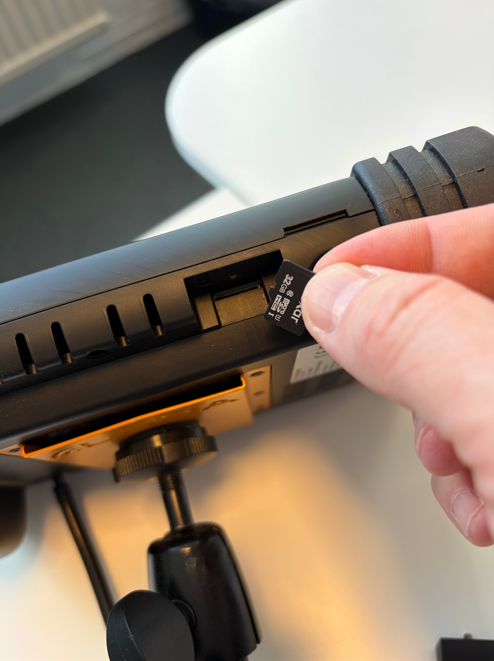
Use an SD card with a storage capacity between 32 GB and 256 GB.
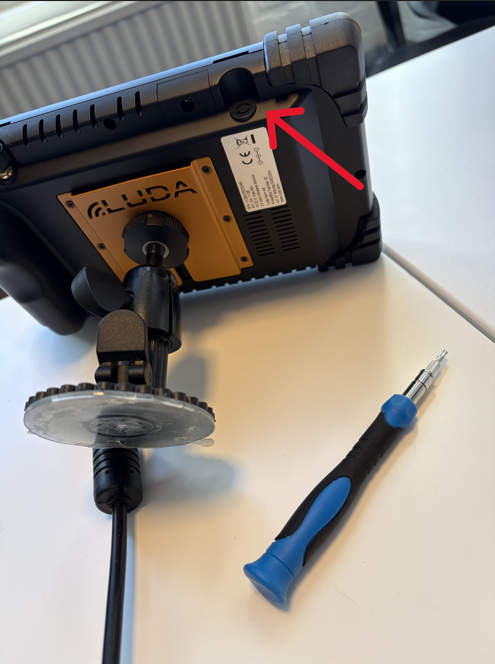
Open hatch with a T9 Torx.
Step 2 – Format the SD card
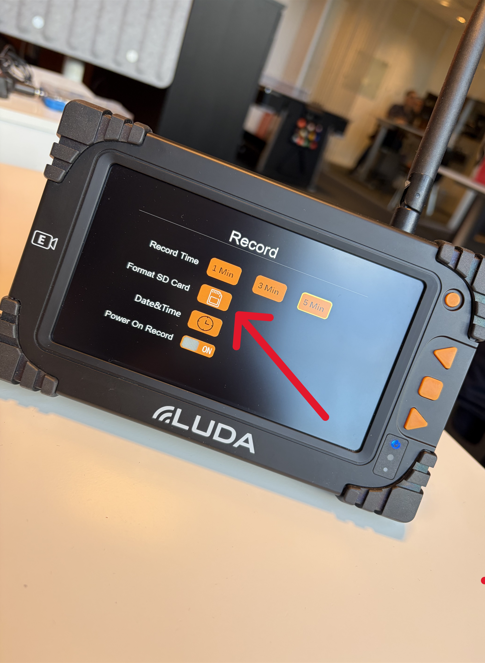
Insert the SD card into the monitor and format it using the monitor's built-in formatting function. This can be found in Settings/Record/Format SD Card.
⚠️ Important: Always format the SD card in the monitor before copying the firmware update files. Formatting will erase all existing data on the card.
Step 3 – Copy the firmware
Remove the formatted SD card from the monitor and connect it to your computer.
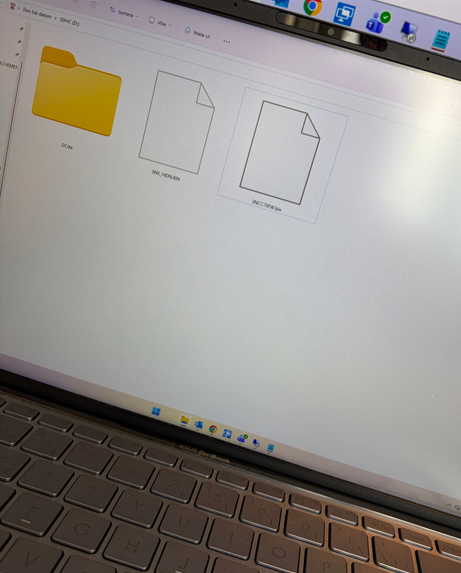
Copy the latest firmware update package (attached below in this article) to the root-directory of the SD card.
Step 4 – Update the monitor
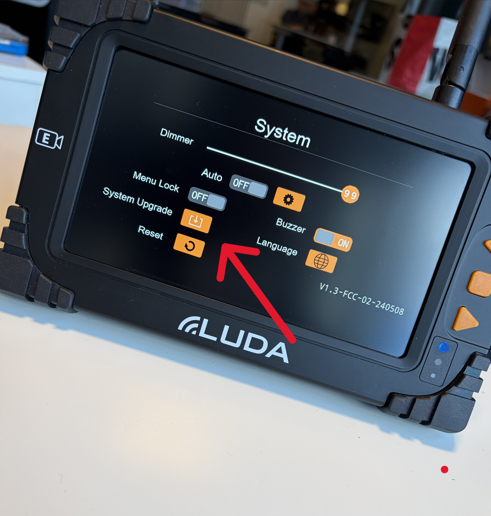
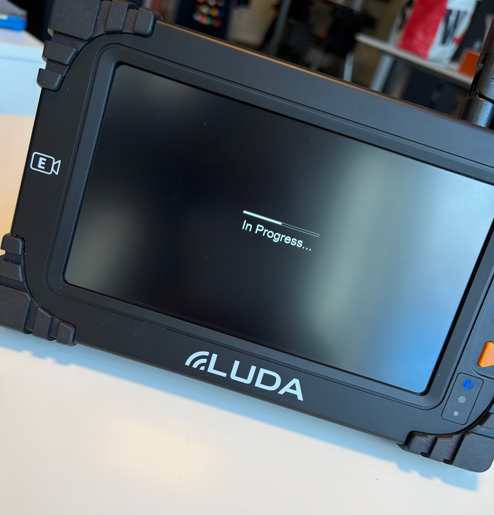
Insert the SD card back into the monitor and follow the firmware update procedure.
⚠️ Do not disconnect the power supply during the firmware update.
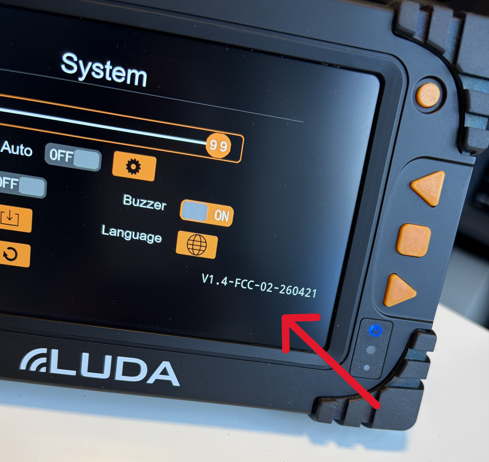
Latest firmware as of 22/10 2026: