
If you are unable to connect to one or more of the cameras in the FarmCam 2.0 app, check the following:
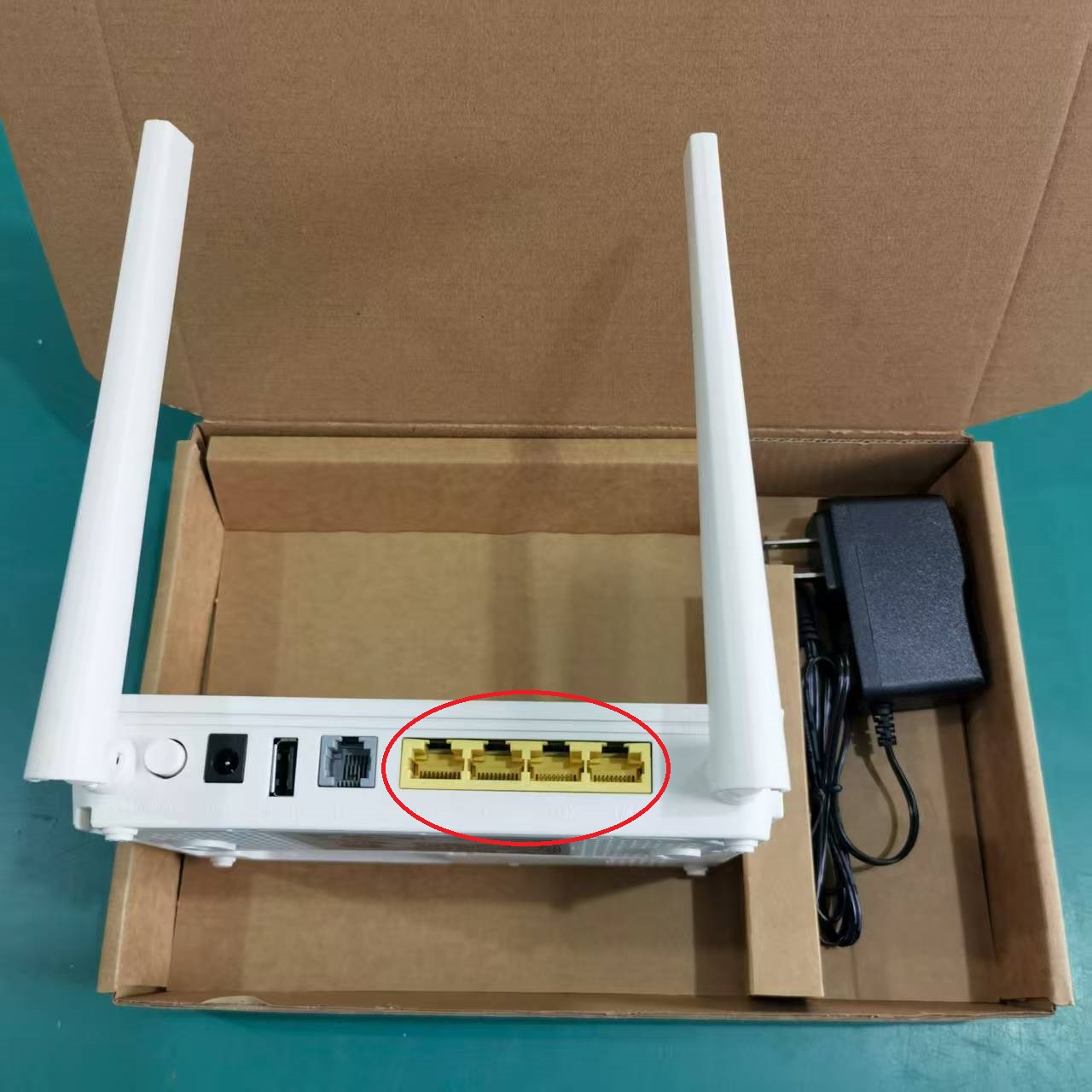
Make sure the network cable is connected between the LAN port on the POE injector and the LAN port on your internet router
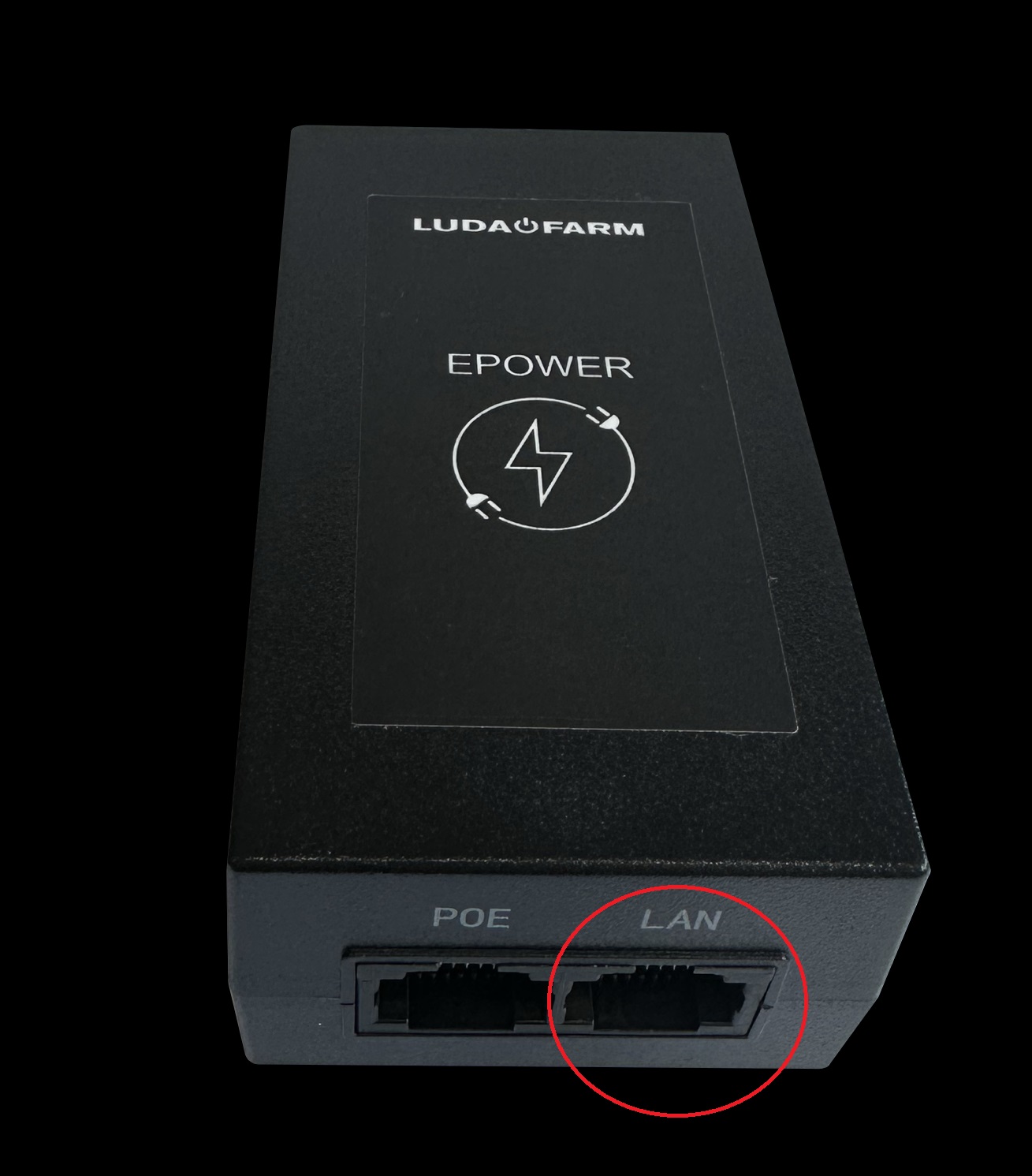
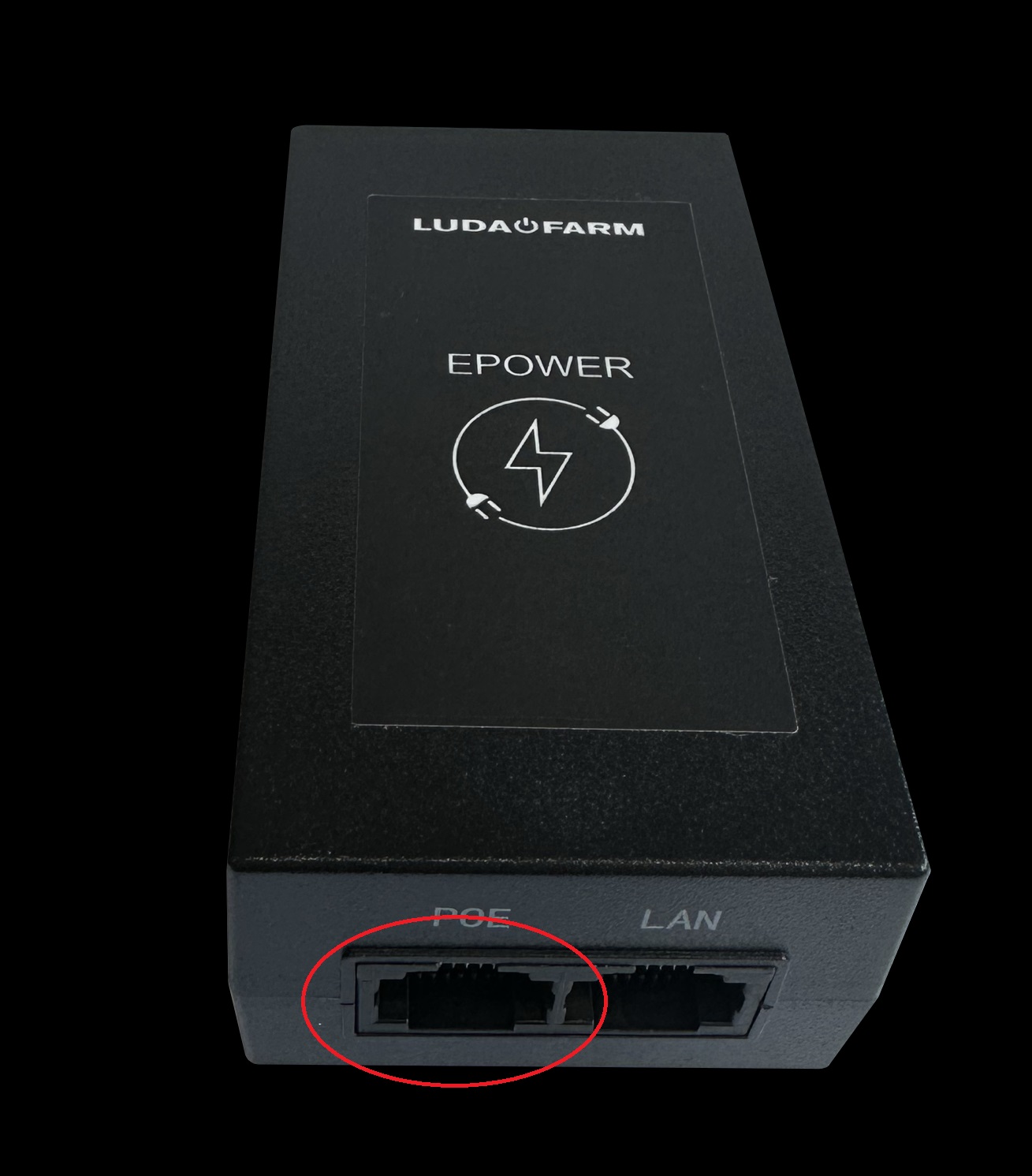
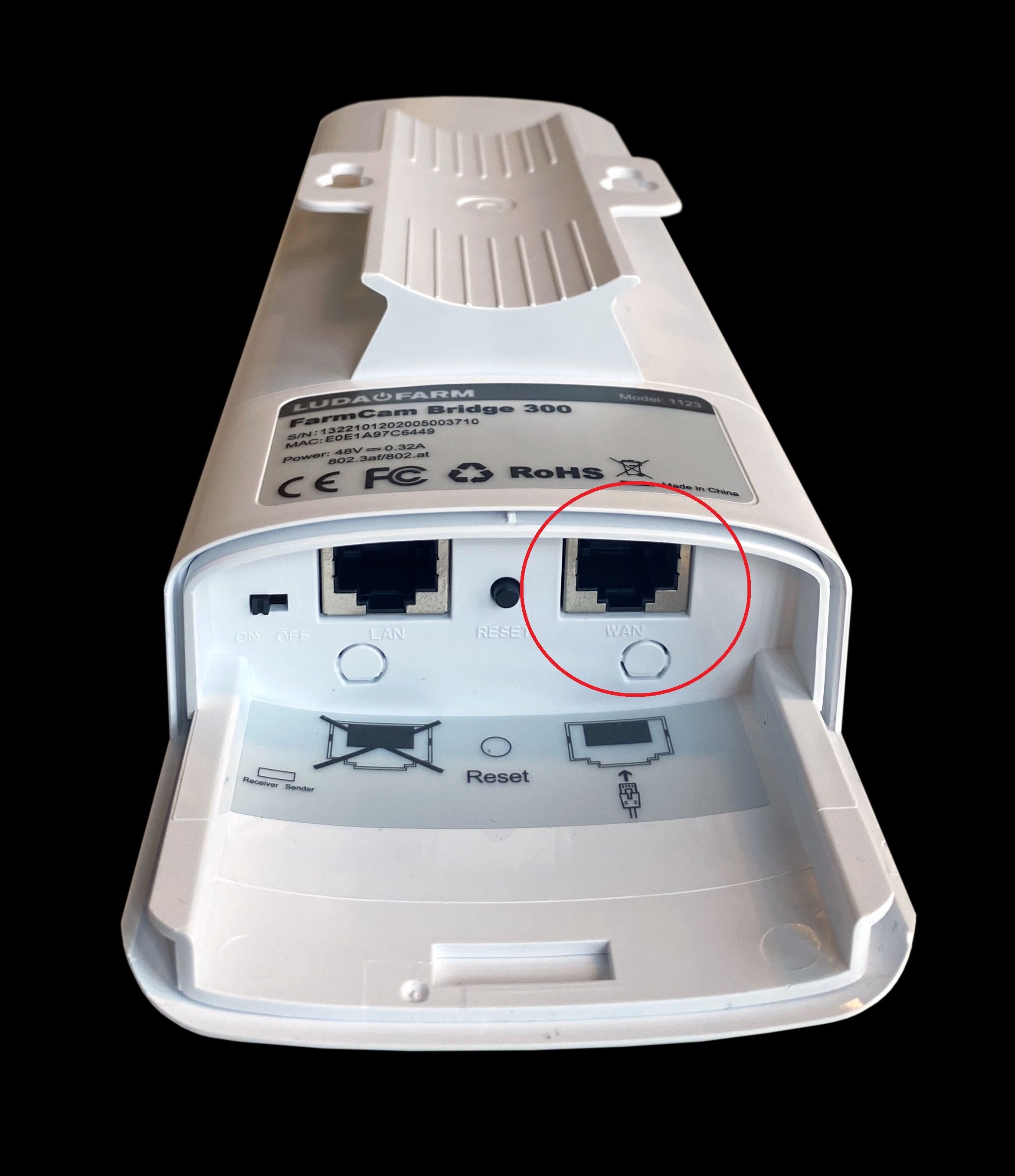
Make sure the “EPOWER” PoE injector is connected from the PoE port to the WAN port on the antenna
Make sure that antenna “2” is connected to the antenna port on the Flex Hub, which must be powered using the power plug.
See artice below to double check that the port is showing correct status when connected:
https://support.luda.farm/a/solutions/articles/14000145276?lang=en&portalId=14000024694
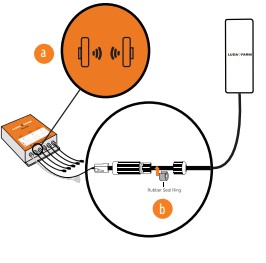
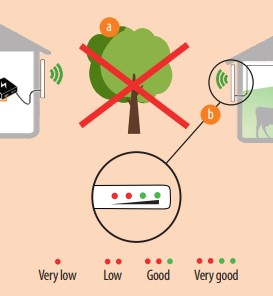
The antennas must be positioned so that they “see” each other, both vertically and horizontally, and avoid objects that could interfere with the signal. Check that the antennas are connected by checking the signal strength on Antenna “2.”
1 green dot indicates good signal strength, and 2 green dots indicate excellent signal strength.
Verify that connected cameras are receiving power and network connectivity by checking that the network connector displays the following indicators:
Green = Power supply OK but no network traffic; Green flashing = Power and network communication:
https://support.luda.farm/a/solutions/articles/14000145276?lang=en&portalId=14000024694
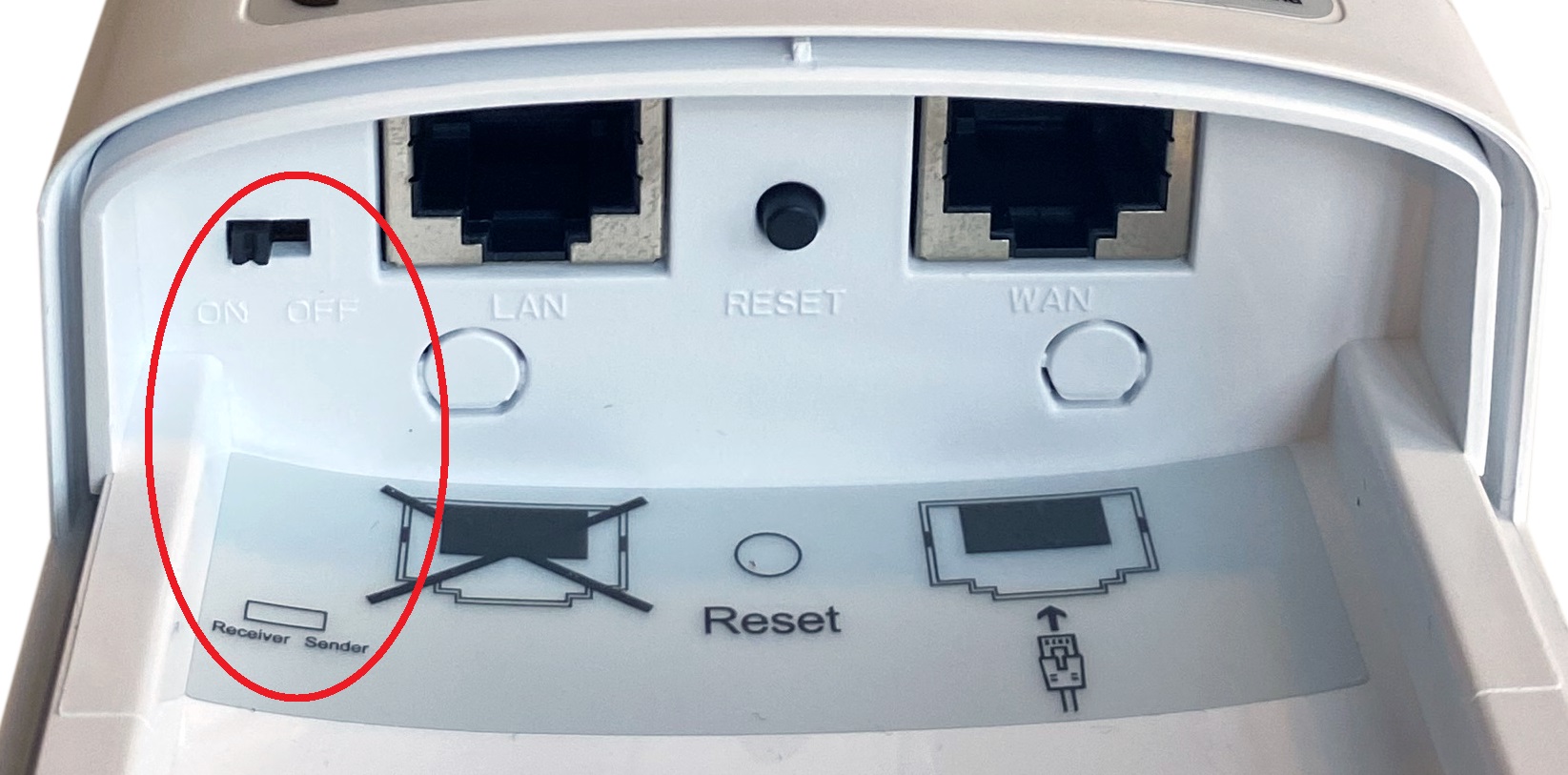
Make sure the switches on the underside of the antenna are in the correct position. On antenna 1, the switch should be in the right position (Sender/Off), and on antenna 2, the switch should be in the left position (Receiver/On).
Please note that some corporate networks and more advanced home routers may have firewall, security, or port settings that block certain types of Internet traffic. Make sure you haven't enabled any such settings.
If it still doesn't work, delete the camera(s) from the FarmCam 2.0 app. Download the latest version and add the camera again by scanning the QR code on the side of the camera. If you've forgotten your password, you can reset the camera by pressing and holding the reset button located next to the network and power-ports for 10 seconds.
If you still experience issues, please don't hesitate to call us on +46 31 31 30 290.